
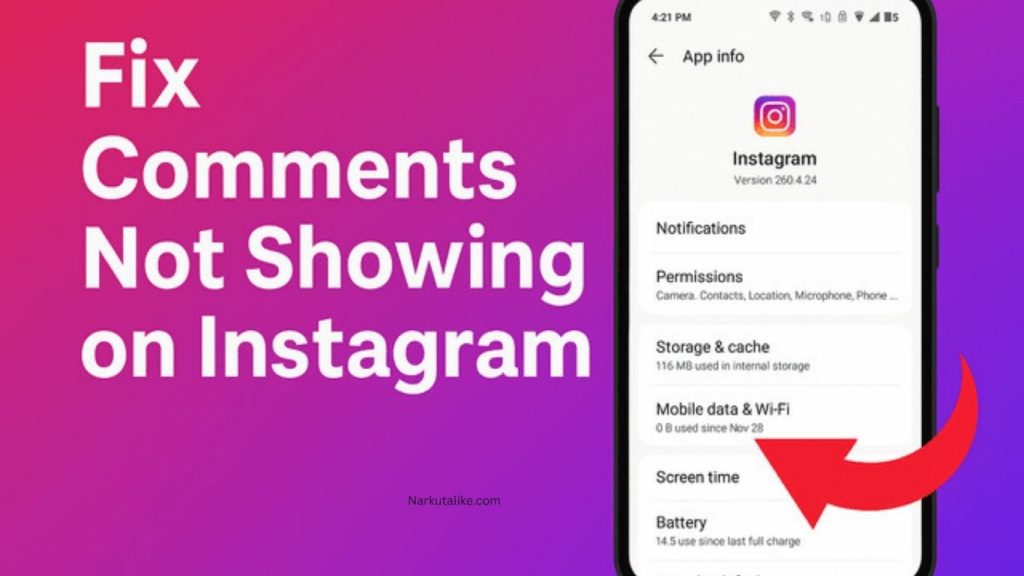
Instagram comments are a key part of engagement on the platform because they allow users to interact, share opinions, ask questions, and build conversations under posts and Reels. However, sometimes you may open a post and notice that Instagram comments are not showing, even though the post indicates that comments exist. In some cases, you may even post a comment yourself, but it disappears or is not visible to others. This issue can happen due to privacy settings, hidden-word filters, restricted accounts, app glitches, internet issues, or Instagram’s moderation system. The good news is that most of these problems can be fixed with simple troubleshooting steps.
Why Instagram Comments Are Not Showing
There is no single reason why Instagram comments disappear, as the issue can be related to your account, the post owner’s settings, or Instagram itself. One common cause is the Hidden Words feature, which automatically filters comments containing offensive words, emojis, spam-like content, or custom blocked phrases, while still counting them in the total comment number. Another reason is that the post owner may have disabled commenting, which hides all existing comments until the feature is turned back on. In some cases, Instagram’s system or server issues may also temporarily affect comment visibility.
Check Internet Connection and Restart the App
Before changing any settings, it is important to check your internet connection because weak Wi-Fi or unstable mobile data can prevent comments from loading properly. Try switching between Wi-Fi and mobile data or reconnecting to your network. If other apps are also slow, the issue is likely your internet. If the connection is fine, restart the Instagram app by closing it completely and reopening it after a few seconds, as temporary glitches often stop comments from loading correctly.
Check Post Settings and Hidden Words
If comments are missing on a specific post, the owner may have turned off commenting, which hides all existing comments until it is re-enabled. If it is your own post, you can check the settings and turn comments back on. Another important factor is Instagram’s Hidden Words feature, which filters out comments based on offensive or custom blocked words. You can review these settings in the app under Settings to ensure that important comments are not being hidden accidentally.
Check Hidden Comments and Restricted Accounts
Sometimes comments are not deleted but simply hidden by Instagram or the post owner. In such cases, you may see a higher comment count than the number of visible comments. Post owners can check a “hidden comments” section and unhide them if needed. Additionally, if a user is restricted, their comments may only be visible to them until approved, which can make it seem like comments are missing when they are actually being filtered.
Update, Clear Cache, or Reinstall Instagram
Using an outdated version of Instagram can also cause comments not to appear properly, so updating the app is always recommended. On Android devices, clearing the app cache can fix temporary loading issues, while iPhone users may need to reinstall the app if problems continue. Logging out and logging back in can also refresh your session and resolve minor glitches affecting comment visibility.
Check Browser, Outages, and Other Accounts
If the issue continues, try opening Instagram in a web browser to see if comments appear there. If they do, the problem is likely with the mobile app. You should also check whether Instagram is experiencing a global outage, as this can temporarily affect comments and other features. Testing the same post from another account can also help determine whether the issue is account-specific or platform-wide.
Frequently Asked Question
Why are my Instagram comments not showing?
Instagram comments may not appear because of hidden-word filters, disabled comments, restricted accounts, app glitches, poor internet connectivity, or temporary Instagram server issues.
Why does Instagram show a comment count but no comments?
Instagram may count comments that have been automatically or manually hidden. This can make the comment count higher than the number of comments you can actually see.
How do I fix Instagram comments not showing?
Start by checking your internet connection and restarting the Instagram app. If that does not work, update Instagram, review Hidden Words and comment settings, clear the cache on Android, or reinstall the app.
Why can’t I see someone’s comment on my Instagram post?
The comment may have been filtered or hidden, or the user may be restricted. Check your hidden comments and account restriction settings to determine whether the comment is being filtered.
Can Instagram automatically hide comments?
Yes. Instagram can automatically filter certain comments through features such as Hidden Words. Comments containing offensive, unwanted, or customized blocked words may be hidden from public view.
Conclusion
When Instagram comments are not showing, the issue is usually caused by settings, filters, app glitches, or temporary connectivity problems rather than a permanent error. By checking your internet, restarting the app, reviewing comment settings, updating Instagram, and testing different devices or accounts, you can usually restore missing comments quickly. Understanding how Instagram filters and hides comments is also important, as not all missing comments are actually deleted—they are often just hidden or restricted by the platform’s system.