
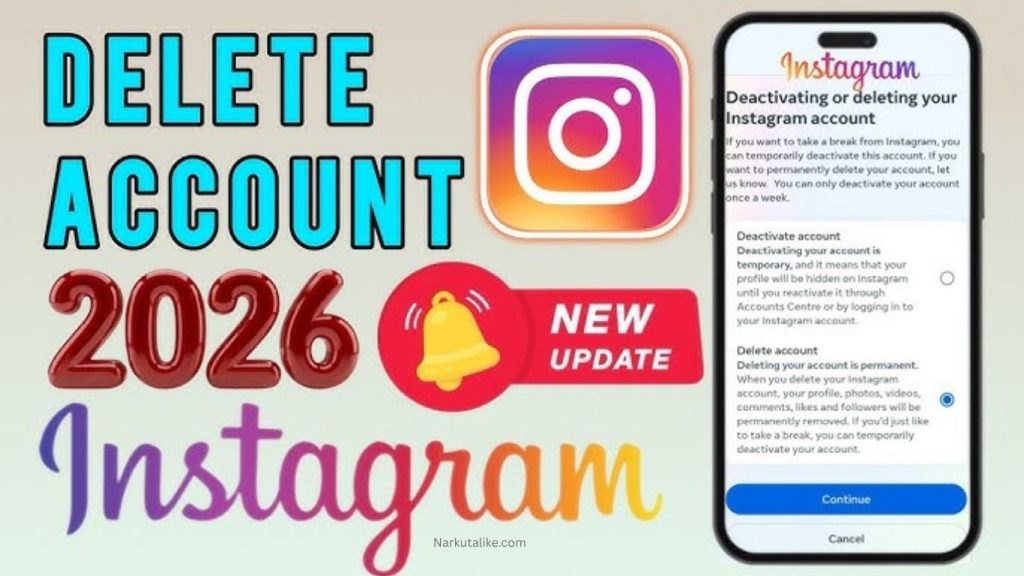
Instagram is one of the most widely used social media platforms for sharing photos, videos, Reels, Stories, and daily updates, but sometimes users feel the need to take a break or leave the platform completely, and for that Instagram offers two options: temporary deactivation and permanent deletion, where deactivation simply hides your profile and content until you log back in, while deletion permanently removes your account and all its data, so in this guide you will learn how to delete or deactivate your Instagram account, what happens in each case, how to download your data, and which option may be best for you.
Delete vs Deactivate Instagram Account
Before making a decision, it is important to understand the difference between the two options because when you temporarily deactivate your Instagram account, your profile, photos, comments, and likes are hidden from other users but not removed, and you can restore everything simply by logging back in, while on the other hand, permanent deletion removes your profile, posts, videos, followers, comments, and all associated data from Instagram, so if you only need a break, deactivation is safer, but if you are sure you no longer want the account, deletion is the final option.
What Happens When You Deactivate Instagram?
When you deactivate Instagram, your account becomes invisible to other users, meaning your profile, posts, and activity are hidden but not erased, and everything remains saved so that when you log back in, your account is restored exactly as it was, making this option ideal for users who want a digital break, reduce screen time, or maintain privacy without losing their content, although you must still be able to log in to deactivate the account.
How to Deactivate Your Instagram Account
To deactivate your account, first log in to Instagram and open your profile, then go to Settings and access Accounts Center, where you select Personal Details, then choose Account Ownership and Control, and tap Deactivation or Deletion, after that select the account you want to deactivate, choose Deactivate Account, enter your password if required, select a reason, and finally confirm the process so your account becomes hidden until you decide to return.
How to Delete Your Instagram Account Permanently
If you want to permanently remove your Instagram account, you need to log in and go to Accounts Center through Settings, then open Personal Details and select Account Ownership and Control, after that choose Deactivation or Deletion, select Delete Account, continue with the instructions, provide a reason if asked, re-enter your password, and confirm the request, but remember that this action is permanent and should only be done if you are completely sure.
Download Your Instagram Data Before Deleting
Before deleting your account, it is strongly recommended to download your Instagram data, including photos, videos, messages, and posts, because once the account is deleted you will not be able to recover this information, so take time to save everything important to your phone, computer, or cloud storage to avoid losing valuable memories or content.
How Long Does Instagram Deletion Take?
Instagram does not delete your account instantly, as the process usually takes up to 30 days after the request, during which your account is not visible to others, and in some cases the full deletion process may take up to 90 days due to backup storage or legal requirements, meaning some data may still exist temporarily even after deletion begins.
Can You Cancel Instagram Account Deletion?
Yes, you can cancel the deletion if you log back into your account within the allowed time period, usually 30 days, but once this period ends and the account is permanently removed, it cannot be recovered, so if you are unsure, it is better to choose deactivation instead of deletion.
What Happens to Your Photos and Videos?
With deactivation, your photos, videos, and posts are simply hidden and can be restored later, but with permanent deletion, all your content including posts, likes, comments, and followers is permanently removed, so it is important to download anything you want to keep before deleting your account.
Can You Use the Same Username Again?
After deleting your account, you may be able to reuse the same username if it is still available, but there is no guarantee because someone else may take it, and in some cases Instagram may restrict reuse depending on account history or policy violations.
What If You Cannot Delete Your Account?
If you cannot log in, Instagram will not allow deletion for security reasons, so you must first recover your account using password reset or account recovery options, and if your account is hacked, you should use official Instagram recovery tools instead of sharing your login details with anyone.
Alternatives to Deleting Instagram
Instead of deleting your account, you can make it private, limit interactions, block unwanted users, remove followers, or simply uninstall the app, which allows you to take a break without losing your content or followers permanently.
Should You Delete or Deactivate Instagram?
If you only need a short break, deactivation is the best option because it allows you to return anytime, but if you are certain you want to leave Instagram permanently, then deletion is appropriate after downloading your data, especially for creators or businesses who may lose important content and followers.
Important Things to Check Before Deleting
Before deleting your account, make sure to save all important data, check linked apps or services, and ensure you have alternative contact methods, because once the account is gone, recovery is not possible, so always think carefully before taking this final step.
Frequently Asked Questions
Can I temporarily deactivate my Instagram account?
Yes, Instagram allows you to temporarily deactivate your account. Your profile, posts, photos, comments, and likes will be hidden until you log back in and reactivate the account.
What is the difference between deleting and deactivating Instagram?
Deactivation is temporary and hides your account, while deletion is intended to permanently remove your profile, posts, followers, comments, and other account information. If you may want to return later, deactivation is the safer option.
Can I reactivate my Instagram account after deactivating it?
Yes, you can generally reactivate a deactivated Instagram account by logging back into it. Your profile and previously hidden content should become visible again.
How do I permanently delete my Instagram account?
You can request permanent deletion through Instagram’s Accounts Center by going to Personal Details → Account Ownership and Control → Deactivation or Deletion, selecting your Instagram account, choosing Delete Account, and following the instructions.
Should I download my Instagram data before deleting my account?
Yes, it is recommended to download important photos, videos, posts, messages, and other account information before permanently deleting your Instagram account because you may not be able to access or recover this information afterward.
Conclusion
Instagram gives users two clear options depending on their needs, where deactivation is best for temporary breaks and deletion is for permanent removal, so always choose carefully, back up your data, and follow the correct steps through Accounts Center, and if you are unsure, deactivation is usually the safer and more flexible choice.